

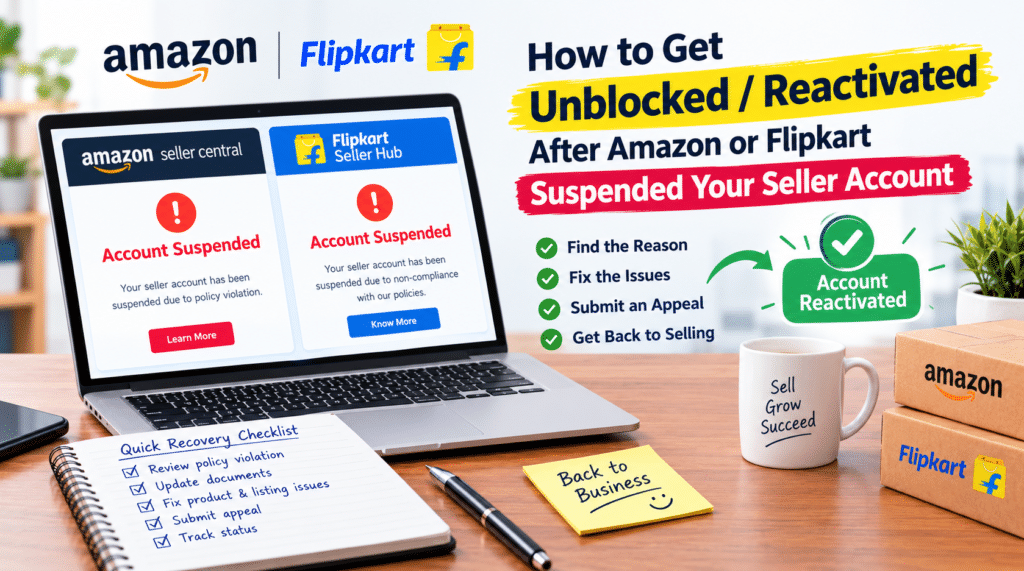
Having your e-commerce seller account suspended or blocked on Amazon or Flipkart is every seller’s worst nightmare. One day you are processing dozens of orders, and the next, your listings are deactivated, funds are frozen, and inventory is locked in fulfillment centers.
Whether your account was suspended due to Order Defect Rate (ODR) issues, IP infringement, late dispatch, or policy violations, getting your store unblocked requires a precise, structured approach.
In this complete step-by-step guide, you will learn why Amazon and Flipkart suspend seller accounts, how to write a winning Plan of Action (POA), and the exact process to get your seller account reactivated in 2026.
Quick Answer
How do you reactivate a suspended Amazon or Flipkart seller account?
To unblock a suspended seller account, you must:
- Identify the exact reason for suspension from the official notice.
- Conduct a root-cause audit of your inventory, listings, or account metrics.
- Write a 3-part Plan of Action (POA) covering: Root Cause, Immediate Corrective Actions, and Long-Term Preventive Measures.
- Submit invoices, authorization letters, or proof of compliance via the Seller Central Appeal button or Performance Dashboard.
1. Top Reasons Why Amazon & Flipkart Suspend Seller Accounts
Before writing an appeal, you need to understand why the platform flagged your store.
Suspension Notice -> Identify Root Cause -> Gather Invoices/Proof -> Write 3-Part POA -> Submit Appeal
Common Amazon Account Suspension Triggers:
- Performance Metric Breaches: ODR exceeding 1%, Late Dispatch Rate (LDR) exceeding 4%, or pre-fulfillment cancel rate above 2.5%.
- Section 3 Policy Violations: Suspicion of selling inauthentic/counterfeit goods or forged invoices.
- IP Infringement: Trademark, patent, or copyright claims by brand owners.
- Multiple Account Policy: Operating or linking two unauthorized seller accounts.
Common Flipkart Account Suspension Triggers:
- High SLA Breach / Late Dispatches: Failing to mark orders “Ready for Dispatch” within the given timeline.
- High Cancellation Rate: Seller-initiated order cancellations due to out-of-stock inventory.
- Fake/Incorrect Product Complaints: Buyer reporting mismatched or duplicate products.
- Prohibited Behavior: Engaging in self-buying (fake orders) to boost seller tier metrics.
2. The 3-Part Plan of Action (POA) Structure That Gets Approved
The performance team at Amazon and Flipkart reviews hundreds of appeals daily. They do not want emotional excuses; they want facts, accountability, and systematic solutions.
Your POA must be divided into three clear sections:
Section A: Root Cause Analysis (What Went Wrong?)
- Take full responsibility. Avoid blaming customers, courier partners, or the platform algorithm.
- State the exact issue, dates, and order IDs involved.
- Example: “Our Late Dispatch Rate increased to 5.2% because our inventory management system failed to update stock levels during peak demand, causing dispatch delays for 18 orders.”
Section B: Immediate Corrective Actions (What Have You Done Right Now?)
- Detail the steps you took immediately upon receiving the suspension notice.
- Mention order cancellations, refunds, inventory removals, or training staff.
- Example: “We have processed all pending customer queries, dispatched delayed packages via express shipping, and temporarily removed 12 out-of-stock SKUs from active listings.”
Section C: Preventive Steps for the Future (How Will You Prevent This Forever?)
- Outline structural operational changes you have implemented.
- Mention tool upgrades, new hires, or stricter quality check protocols.
- Example: “We have integrated automated stock-sync software, hired two dedicated dispatch managers, and switched to a 100% daily inventory audit schedule.”
3. Step-by-Step Guide to Reactivate Your Amazon Account
- Log in to Amazon Seller Central and go to Performance > Account Health.
- Click on Submit Appeal next to your deactivated notification.
- Attach your written POA as a clean PDF or plain text response.
- Attach supporting documents:
- Supplier Invoices (Issued within the last 365 days, showing supplier name, contact details, and item quantities matching your sales volume).
- Brand Authorization Letter / LOA (If suspended for IP infringement or brand gating).
- GST Certificate & Business Verification Documents.
Pro Tip: If your suspension is complex or involves local operations in specific regions, working with specialized account management professionals can drastically reduce your downtime. Check out our localized assistance guide for Amazon seller account management in Faridabad to resolve regional logistics or compliance hurdles.
4. Step-by-Step Guide to Reactivate Your Flipkart Account
- Log in to Flipkart Seller Hub and navigate to the Help Center / Support section.
- Search for Account Status / Suspension Appeals and open a ticket under Performance & Account Health.
- Upload your POA along with required proof (stock proof, authorized distributor invoices, or packing video evidence).
- Contact your assigned Flipkart account manager (if applicable) or reach out to seller support for escalation.
Need expert intervention to get your account reinstated safely without risking a permanent ban? Explore our specialized seller account reactivation service to get your store back online fast.
5. What NOT to Do When Your Account is Blocked
- Do NOT open a second seller account: Platforms use browser cookies, IP addresses, PAN details, bank accounts, and GST IDs to track linked accounts. Opening a new store will lead to an immediate linked-account ban on both stores.
- Do NOT send aggressive or emotional emails: Threatening legal action or complaining about platform policies will delay your review process.
- Do NOT submit forged/edited invoices: Machine learning models detect altered PDFs instantly, resulting in a permanent account termination.
Frequently Asked Questions
Q1. How long does Amazon take to respond to an appeal?
Amazon typically responds to seller appeals within 24 to 72 hours. However, complex cases involving IP infringement or Section 3 violations may take up to 5 to 10 business days.
Q2. Can I withdraw my funds if my Amazon or Flipkart account is permanently suspended?
Yes, both platforms hold funds temporarily (usually 90 days) to cover potential buyer refunds, chargebacks, and return fees. After the 90-day holding period, you can request a disbursement payout.
Q3. What should I do if my POA gets rejected?
If your first appeal is rejected, read the rejection response carefully. It usually states what information is missing (e.g., “We need more information regarding preventive steps”). Revise your POA with deeper root cause details, attach additional invoices, and resubmit.
Final Words
A suspended seller account is a temporary setback, not the end of your business. By approaching the reinstatement process methodically—focusing on root causes, factual evidence, and a rock-solid Plan of Action—you can get your account unblocked and resume selling.
Once your account is reinstated, it is crucial to maintain strict account health metrics and listing compliance. If you need ongoing management to safeguard your store, explore our full suite of ecommerce account management services to ensure your business stays compliant, active, and profitable.
Need immediate help writing a customized Plan of Action (POA)? Contact QBIT ECOMMERCE today for professional seller account reactivation services.